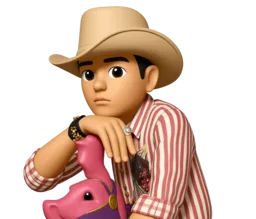
Memoji Creator Online Create memoji from photo in the browser
A memoji creator for a clear face photo → an Apple iOS–style 3D character you can download
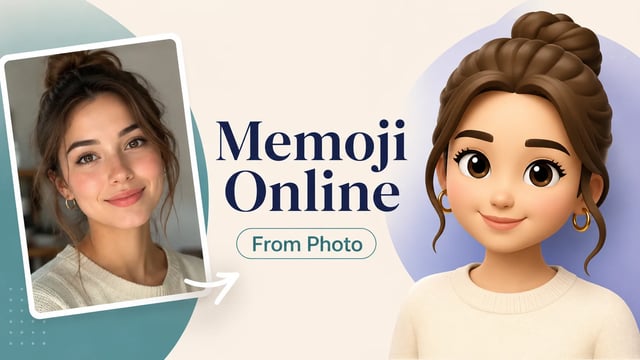
A memoji creator online is a browser workspace for turning a clear face photo into an Apple-style 3D character you can download. It is not the Messages editor on iPhone, and it does not install a system Memoji into iMessage. Upload a front or three-quarter portrait, run the fixed Photo to Memoji effect, and save a bust character. Optional wishes can ask for glasses or a bigger smile; you do not write a full prompt. Text painted into the photo is ignored so the memoji creator stays on the face.
Open memoji creator- Browser memoji creator — no iPhone required
- Create memoji from photo with one upload
- Apple-style 3D bust on a studio-color background
- Download a still — not an iMessage sticker pack
- Typical run under about 10 seconds
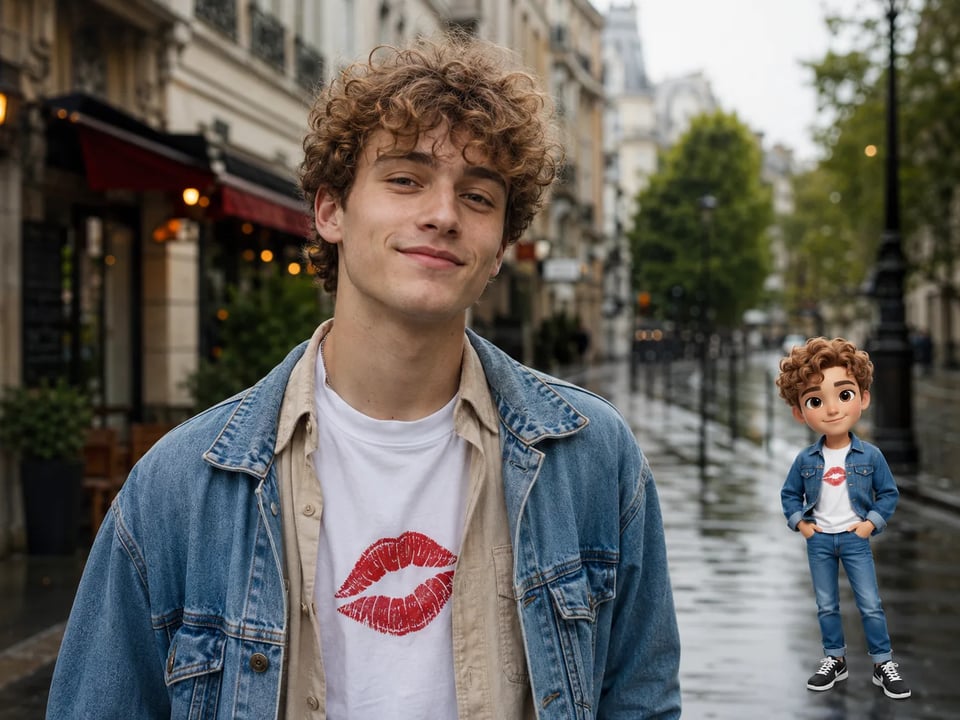
Your photo
JPG / PNG / WebPNo photo handy? Try a sample
Use a clear photo where the face is visible.
Refunded if it fails
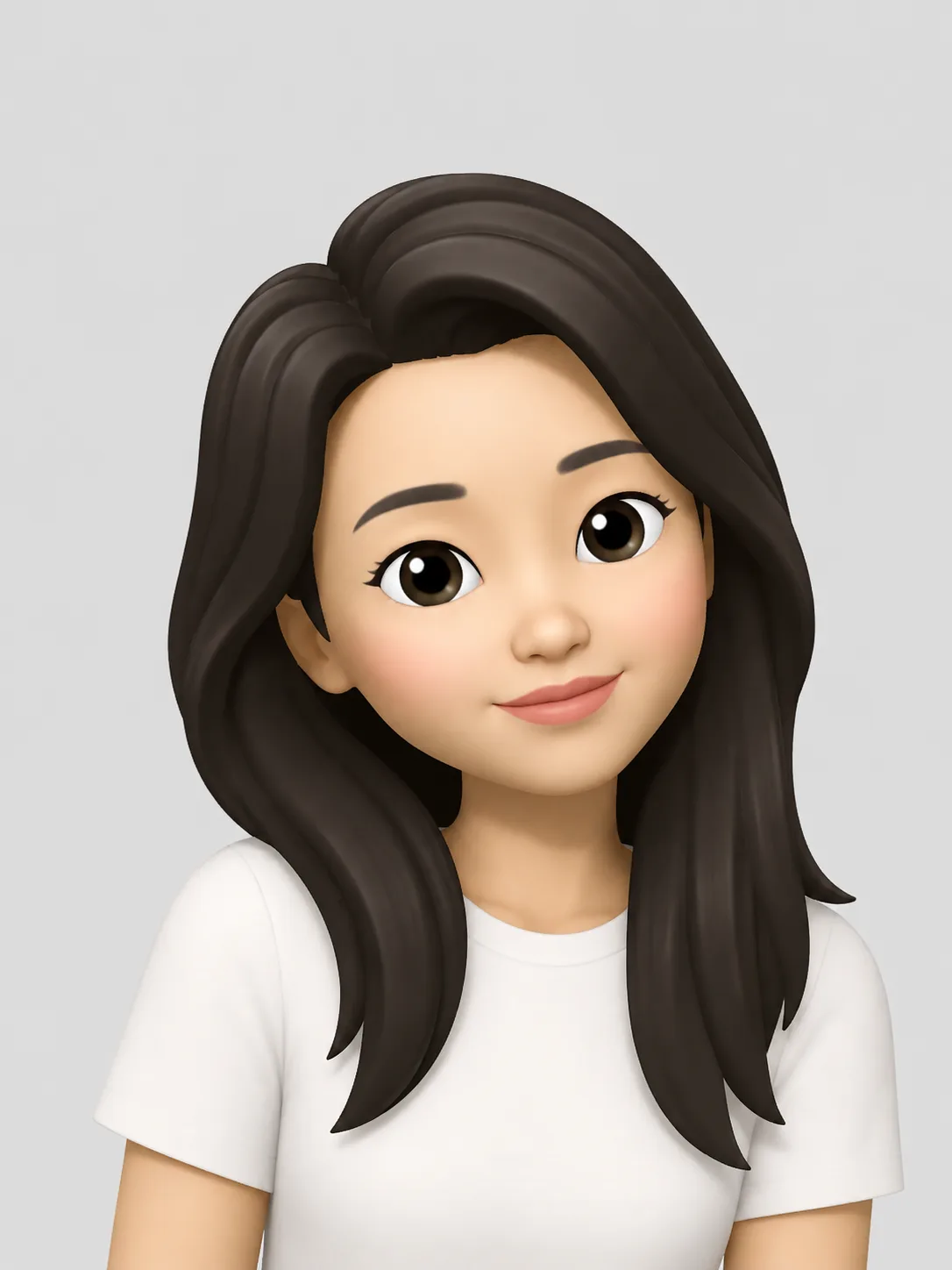
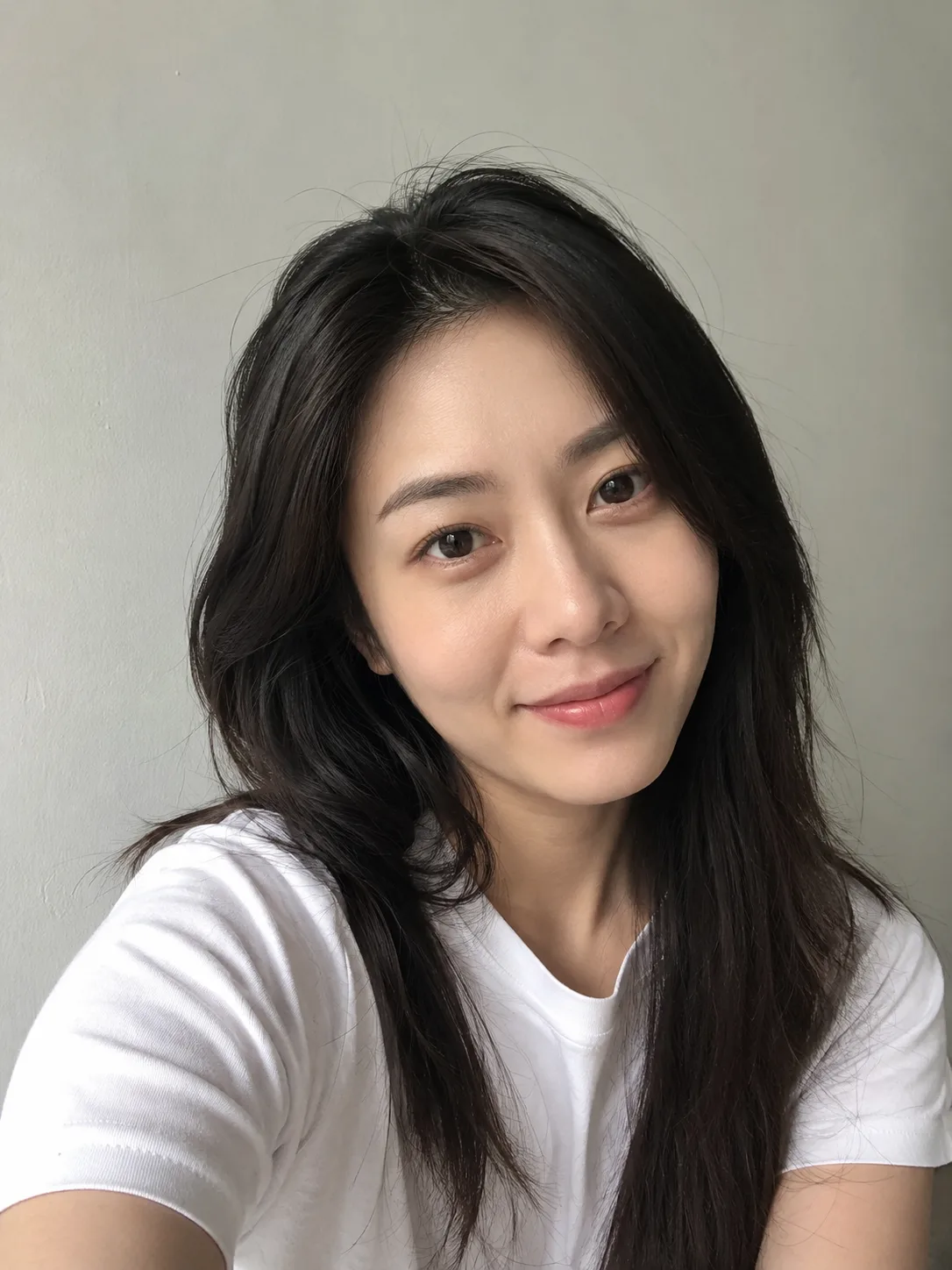
Why this memoji creator is the online workspace
Use the memoji creator when you already have a photo and want a downloadable character — not a hand-tuned editor on a phone.
Apple’s Memoji lives inside Messages: you pick skin, hair, eyes, and clothes by hand, then use the result as stickers or (on compatible devices) a face-tracked Animoji. This memoji creator online skips that editor. You upload a photo you already have, generate, and download a still. The output is a Memoji-style bust on a solid studio-color background — useful for avatars and posts, not a system Memoji you can drop into iMessage, and not a transparent cutout.
If you searched for a memoji creator to work in the browser, this page is that workspace. The generator above is already bound to the Photo to Memoji effect, so you are not hunting through a generic image form.
What this memoji creator returns
A downloadable Apple-style 3D bust from your photo — identity-oriented, not a sticker glued on the original shot.
A character that still reads as you
The memoji creator rebuilds a simplified 3D cartoon face from the person in frame: oversized head, oval cartoon eyes, smooth clay-like skin. Hair shape, glasses, and expression are starting points, not a guarantee of a perfect likeness. Blurry or tiny faces match less well.
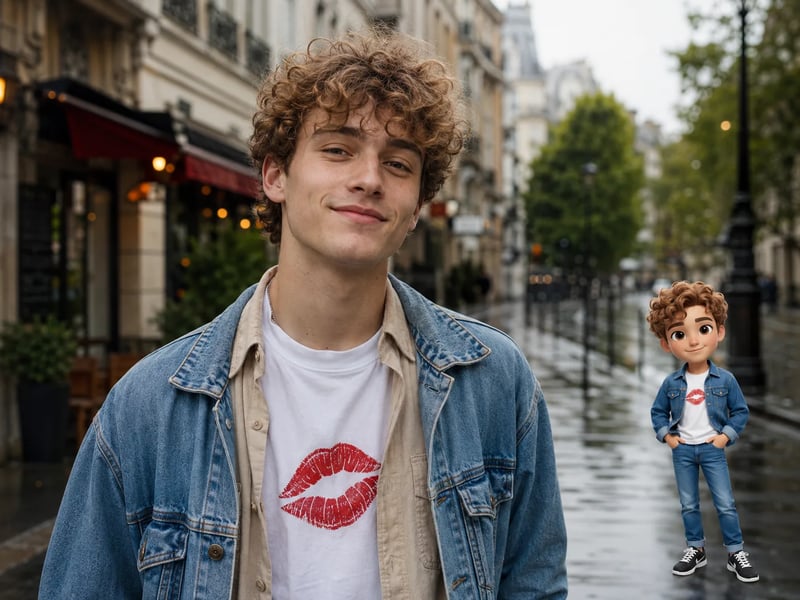
A new image, not an overlay
You download a new character image on a pastel studio background. The memoji creator does not paste a sticker onto your original photo, and it does not export a transparent PNG. Crop the bust for a square avatar, or keep the full character for a post.
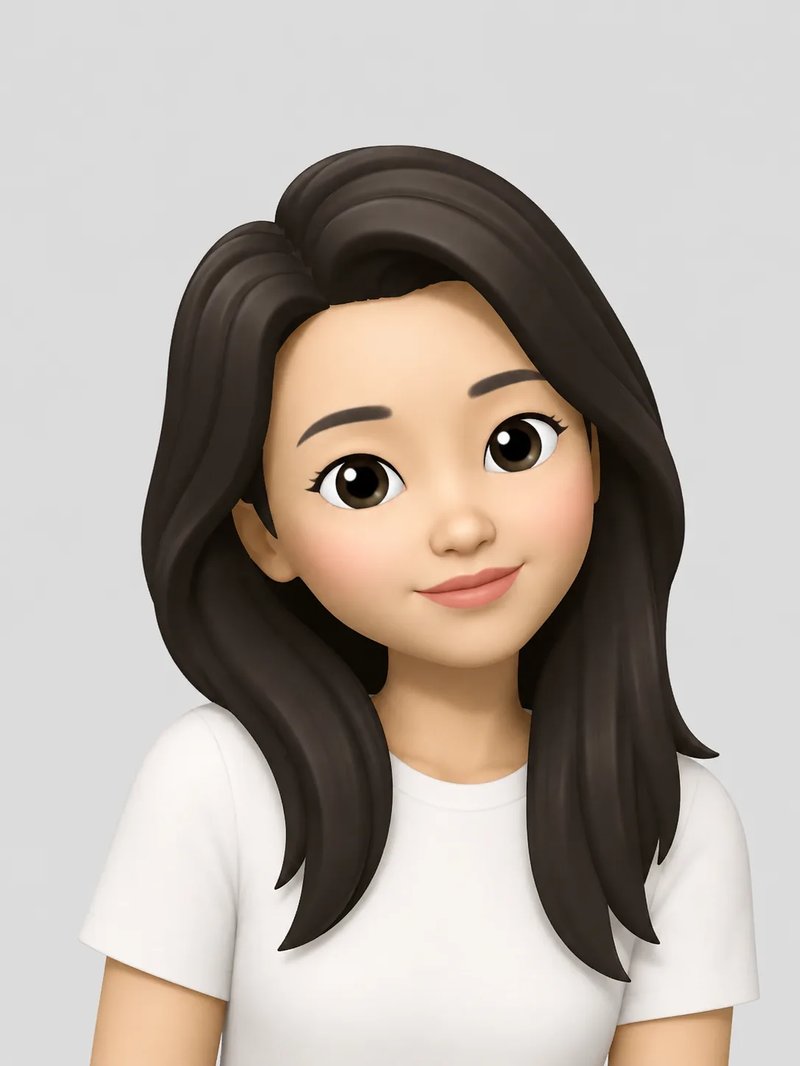
Create memoji from photo in three steps
No prompt maze — the memoji creator uses a fixed Photo to Memoji effect.
- 1
Upload a clear face photo
Start with a front or three-quarter portrait. Clear faces give the best identity match. Multi-person shots can convert when each face is visible.
- 2
Generate in the memoji creator
Click generate. The Apple Memoji look runs automatically. Set aspect ratio and resolution if you want, or leave defaults. Optional wishes (smile, glasses, hair) are extra — not required.
- 3
Download the still
Save the bust for a profile or sticker crop. Credits never expire. Unpaid runs include a watermark; paid credit packs do not.
Memoji creator vs iPhone vs slider builders
Same word, three different jobs. Stay here when the job is photo in, character file out.
iPhone Messages Memoji
Hand-tune features in Apple’s editor. Best when you need official stickers or face tracking on a compatible device. It does not take a photo as the input.
Template / slider makers
Many “free online” makers start from gender and skin-tone picks with no photo upload. Fine for a generic avatar; weak if you wanted a likeness from a selfie.
This memoji creator
Browser workspace: upload a face photo, generate, download a Memoji-style still. Works without an iPhone. Does not install into Messages.
Memoji creator FAQ
Straight answers before you upload.
This memoji creator is a browser Photo to Memoji tool. It turns a clear face photo into an Apple iOS–style 3D cartoon bust you can download for avatars and stickers.
Apple’s Memoji is a manual feature editor inside Messages on Apple devices. This memoji creator runs in the browser: you upload a photo you already have and download a still image. It does not become a Messages sticker pack, and it does not animate with a TrueDepth camera.
Upload a clear face photo in the generator above, optionally add a short wish (glasses, smile, hair), and generate. You do not write a full prompt — the fixed effect applies the Apple Memoji look.
You need an account. New signups get 5 free credits. Each memoji costs 3 credits, so signup covers one free memoji. Unpaid results include a watermark. Credit packs never expire. There is no no-signup path.
No. The effect paints an Apple-style bust on a solid studio-color background. Crop the bust for a square avatar; do not expect a cutout with a transparent edge.
No. Memoji Generator is independent. Memoji-related names are trademarks of their owners and are used for identification only. This memoji creator is a third-party online tool.
Related Memoji Generator tools
Stay for the online creator workspace. Jump if your next job is different.

Memoji Maker
Build a reusable 3D character file you can crop for profiles and stickers.

Photo to Memoji
Which photos convert well, and what “from a picture” actually produces.
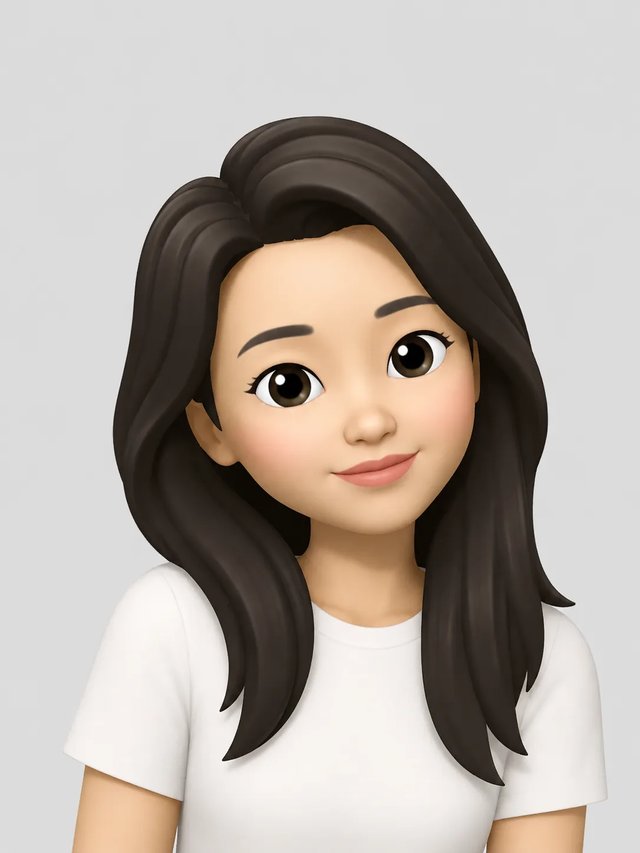
Memoji Generator
Back to the Memoji Generator homepage for the main photo-to-character tool.
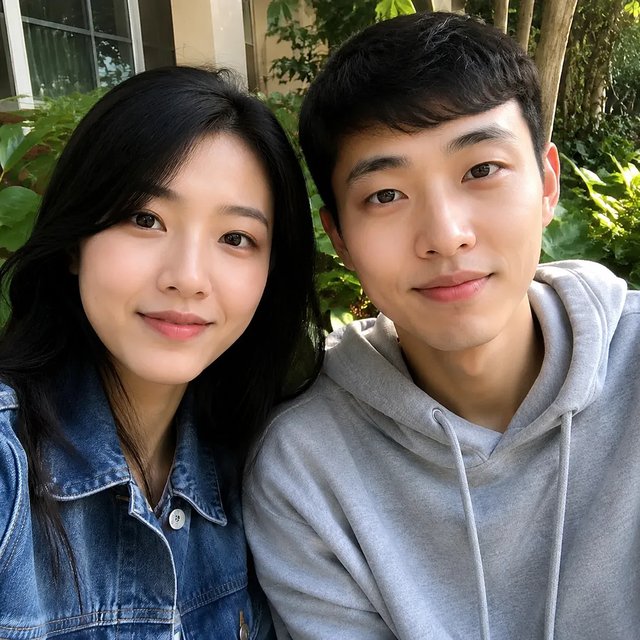
Remove sticker from photo
Erase emoji overlays first if a sticker is covering the face you want to convert.
How to make a Memoji online
Longer Apple-native vs web photo walkthrough on the Memoji Generator blog.